As the demands for high-performance computing intensify, organizations face a critical decision. Teams must choose between investing in traditional high-performance computing (HPC) desktops or adopting a modern, flexible solution like SPK’s vCAD™. In this blog, we compare vCAD to HPC desktops across the dimensions that matter most: ROI, performance, and real-world use cases. Read more to ensure your engineering and IT leaders will make an informed decision.
vCAD vs. Physical HPC Desktops
HPC desktops have long been the standard for power users like CAD engineers. They offer dedicated NVIDIA GPUs, massive RAM, and local storage tailored for performance. However, with evolving workforce needs and cloud-native solutions gaining maturity, physical workstations now expose significant limitations.
ROI Benefits of vCAD vs. HPC Desktops
SPK’s vCAD solution is designed to optimize both performance and operational efficiency. Here’s how it boosts ROI:
- No Capital Expenditures: No need to purchase high-cost workstations upfront. vCAD follows a subscription model, reducing financial barriers.
- Faster Onboarding: Provision cloud-based CAD environments in minutes. New employees and contractors can hit the ground running without waiting for hardware.
-
Right-Sized Performance: Scale up or down based on current project demands. You’re not locked into a single hardware spec.


- Improved Productivity: High-speed performance from anywhere with GPU-accelerated virtual desktops ensures engineers stay productive, even remotely.
- Lower IT Overhead: Centralized configuration, automated updates, and integrated performance monitoring reduce the burden on IT teams.
- Enhanced IP Security: With CAD files never stored on local devices and full SOC 2 compliance, your intellectual property is always protected.
vCAD helps companies shift from a rigid CapEx-heavy model to a dynamic, cost-effective, and secure digital workspace optimized for today’s workforce.
Use Cases: When vCAD Outperforms Traditional Workstations
1. Remote Engineering Teams
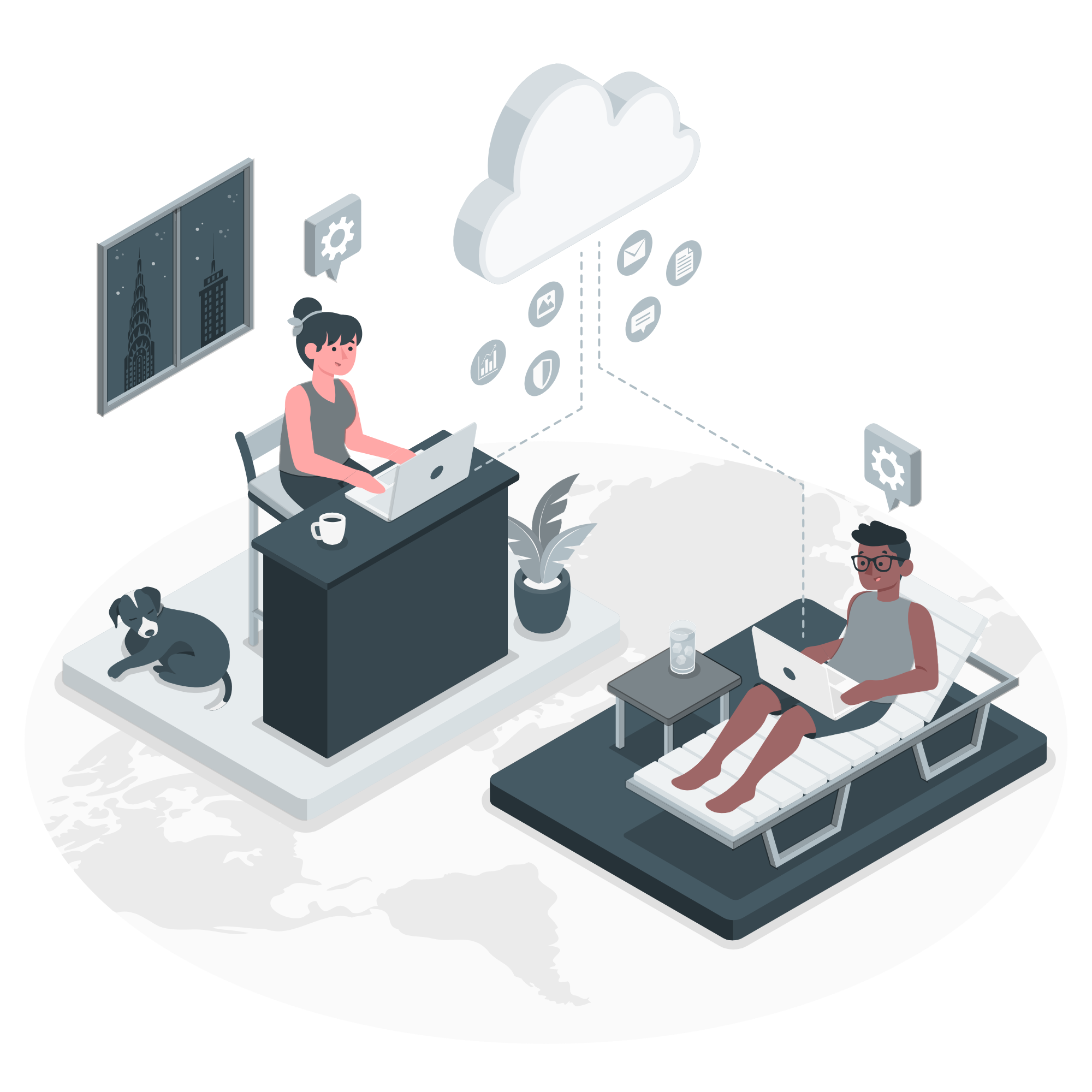
For globally distributed teams or remote-first engineers, vCAD offers a secure, high-performance environment. It ensures seamless access to MCAD, ECAD, and simulation tools, even from thin clients or personal devices.
2. Project-Based Scaling
Need to scale your team temporarily for a specific project? vCAD lets you provision new environments rapidly with no hardware delays, software reinstallation, or re-imaging.
3. Secure IP Collaboration
Share CAD data between internal teams, contractors, and acquired entities without ever moving files outside a controlled, monitored environment. No more VPN headaches or IP leakage concerns.
4. Real-Time Concurrent CAD Workflows
vCAD allows teams to collaborate on CAD designs concurrently, similar to how Google Docs enables real-time collaboration. This exceeds the limitations of traditional check-in/check-out PDM workflows.

5. Multi-Site Product Development
For companies with engineering offices across multiple geographies, vCAD centralizes CAD data and standardizes access, ensuring consistent workflows and performance.
6. Disaster Recovery and Business Continuity
With cloud-hosted infrastructure, vCAD includes built-in disaster recovery. If an office goes offline or a device is lost, engineers can log in from anywhere and resume work without disruption.
Why SPK vCAD™ Is the Future
The way we work has changed permanently. Designers and engineers no longer want to be tethered to a desk, and businesses shouldn’t be tethered to outdated hardware. Eliminate cumbersome video calls and unnecessary, high capital expenditures with long-term depreciation. SPK’s vCAD empowers engineering teams to design from anywhere with the performance and security they need.
Ready to see how vCAD can support your engineering team?
Learn more or schedule a free assessment with SPK and Associates today.