
Introduction
Hi everyone, I’m Daniela. I am the Solidworks and SolidWorks PDM SME for SPK and Associates. Today I’ll be going over a bit of a custom tool in this SolidWorks training called “Part Information”.
What Is Part Information
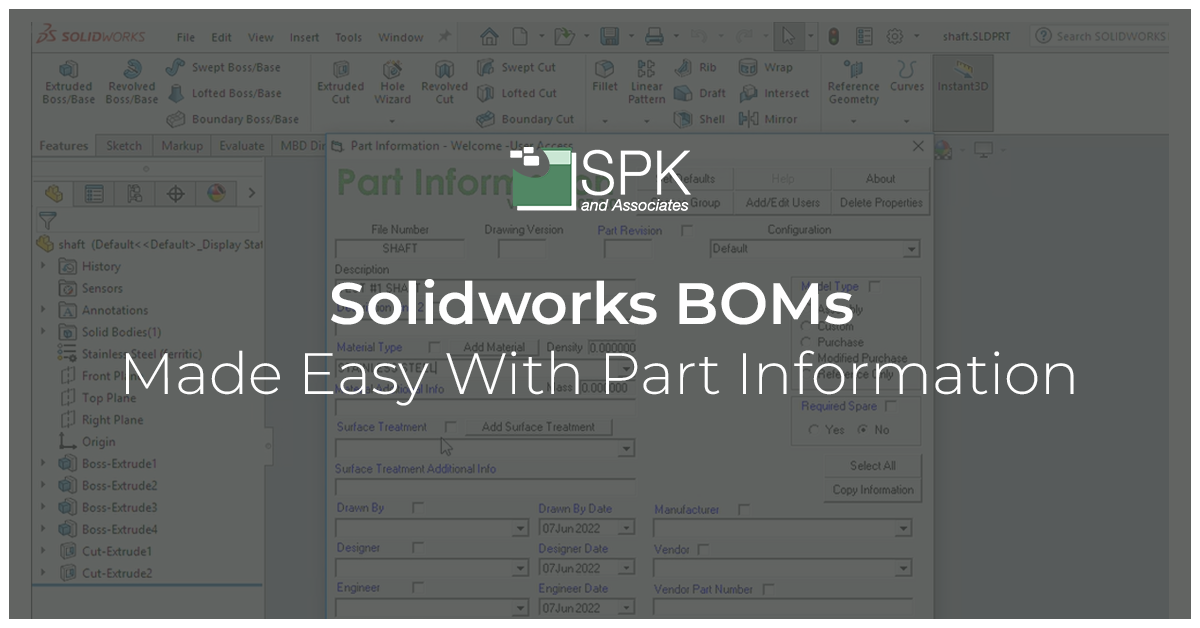
Part Information allows you to use one menu to update custom properties for a part or an assembly. These custom properties can then be easily applied to the Bill of Materials (BOM).
Part Information is better than traditional custom properties menu’s, or even standard SolidWorks properties menu’s. This is because you can really customize it to:
- Include default fields.
- Have a drop down of commonly used either names vendors processes materials and cut down on the manual typing.
SolidWorks Training: How To Use Part Information
Right-click on the shaft inside the bomb and open the part to access part information. It’s very easy and found inside your tools. It has a fly-out menu that you can click on.
This has an easy user interface with lots of fields. In particular, it has a “drawn by” drop-down just in case you find yourself typing the same name repeatedly. Instead, you have access to these names. You can configure it as needed. This is the same for manufacturer vendor. You can also add the vendor part number.
For this example, I’m going to be using a custom description and add a material type, and a surface treatment.
I’m going to click on “save and close”. Now that I have finished updating my fields, I have a prompt asking if it’s been updated. It has. Therefore I’m going to click yes. Once that’s done I want to save my file. Hence, I go to File> Save.
Finally, I’m going back to my drawing and will click “control” and “Q”.
All our fields are populated correctly and I can continue for each part.
The great news is you can do this while creating your parts and setting up your assembly. That means these will automatically be generated when it comes time to create your bone.
Conclusion
Part Information in SolidWorks provides more abilities than a custom or standard SolidWorks menu. It can speed up your tasks. This tip will allow you to use one menu to update custom properties for a part or an assembly. These custom properties can then be easily applied to the Bill of Materials (BOM).
We hope you found this PDM Solidworks training helpful.
Subscribe to our YouTube channel for even more Solidworks PDM tricks and tips!