

Key Takeaways
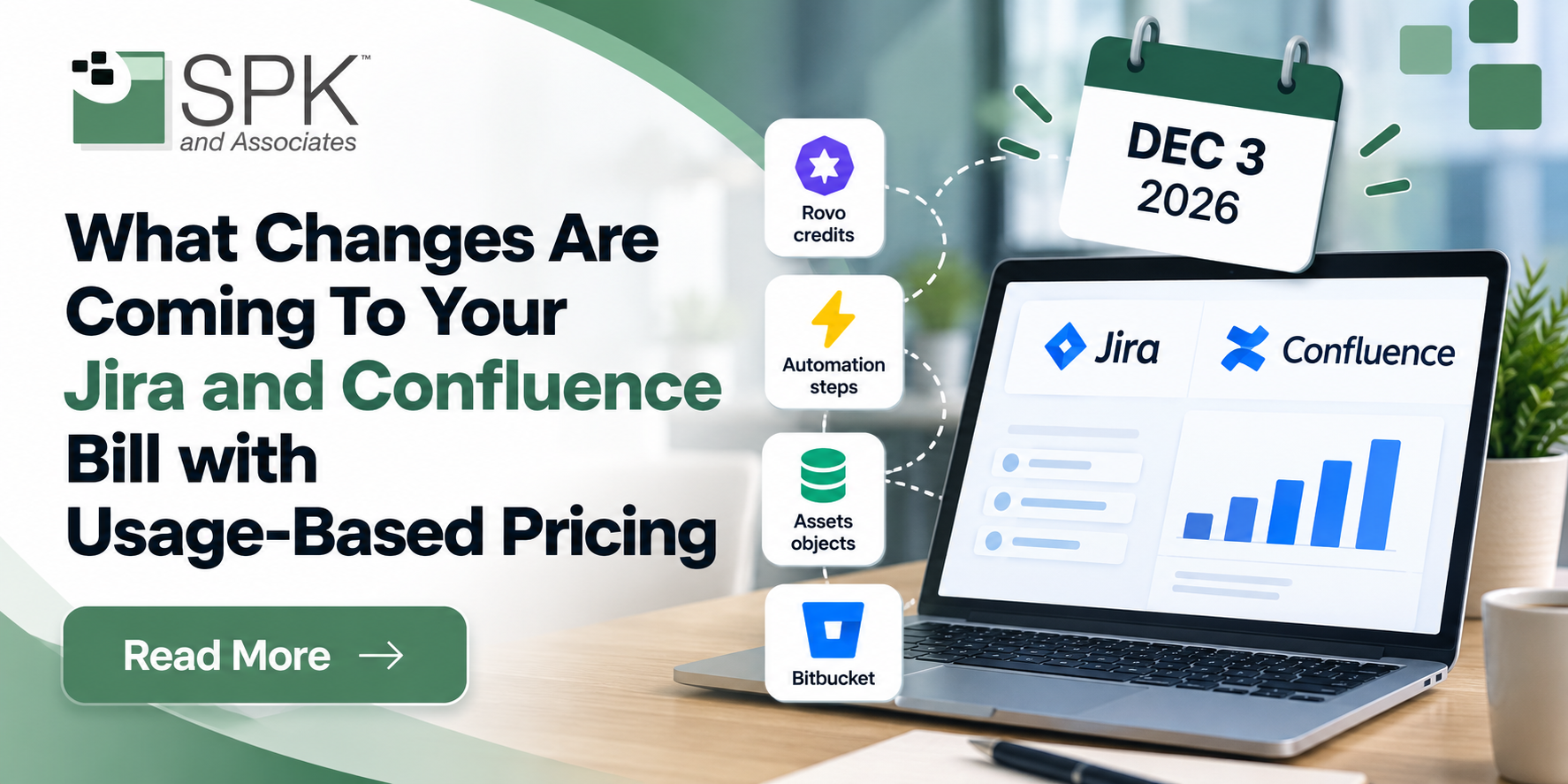
- Extra-usage billing for Rovo, Automation, Assets, and Bitbucket starts December 3, 2026. Your per-user subscription price doesn’t change.
- Every paid Jira and Confluence plan includes a monthly allowance that’s pooled across your organization, refreshes each month, and doesn’t roll over.
- By default, work never stops when you exceed an allowance. Extra usage is billed at published rates, such as $0.01 per Rovo credit and $0.50 per 1,000 automation steps, unless an admin sets a spending limit or turns extra usage off.
- Automation now counts every trigger, condition, and action as a step, and Enterprise plans lose unlimited automation. Reworking broad or frequently scheduled rules can cut step counts by 70–90%.
- Teamwork Collection and Service Collection offer 10X Rovo usage credits in comparison to other plans, but overage packs exist for any short term overages.
Starting December 3, 2026, Atlassian will begin billing for extra usage of Rovo AI, Automation, Assets, and other capabilities in Jira and Confluence. Your per-user subscription isn’t changing. What’s new is a metered layer on top of it, with a monthly allowance included in your plan and charges only if you go past it. For most teams, that means nothing extra on the bill. For teams leaning hard on Rovo agents or high-volume automation rules, it could mean a new line item. The time to find out which group you’re in is now, while there are still about six weeks before billing starts. Your questions can be answered here or in the rest of this blog.
Atlassian Usage-based Pricing
Usage-based pricing (UBP) charges for certain capabilities by how much they’re used, not by how many people have a license. Atlassian announced the change on September 1, 2026, and extra-usage billing begins on December 3, 2026.
Until now, Atlassian pricing has been almost entirely per user, per month. A company paying for 10 seats paid the same whether its team ran a handful of automations or thousands. That model falls short now that a team of 50 might be running Rovo agents, automating workflows, and tracking thousands of assets, while another team of 50 barely opens the product.
Atlassian’s own analogy is a family cell phone plan. You still pay a monthly fee for each line, which are your “seats.” Each line also adds data to a shared family bucket. Most families never use it all. If yours does, you decide what happens next.
Atlassian Usage-based Billing Terms
Allowances are pooled across your whole organization, so every Jira and Confluence user adds to one shared bucket. They also refresh monthly, even on annual plans, and unused amounts don’t roll over. Here are the terms you’ll want to understand.
What Gets Metered
Every paid Jira and Confluence plan includes allowances for three meters: Rovo credits, automation steps, and Assets objects. Teamwork Collection and Service Collection include the same three, and Bitbucket and Customer Service Management have meters of their own.
Here’s how a single automation adds up. A rule that triggers on a new issue, checks its priority, assigns a user, and sends a notification uses 4 steps every time it runs. A rule like that firing 500 times a day uses about 60,000 steps a month. Check out how the rest of the usage-based billing works.

What Happens If You Go Over Your Allowance?
By default, nothing stops. Work continues, and extra usage is billed at published rates at the end of the billing cycle. Organization and billing admins get email and in-product alerts when a meter reaches 80% and again at 100% of its monthly allowance.
Admins can change that default in one of two ways:
- Set a spending limit. Usage continues past the allowance until it hits a dollar amount you choose, then pauses.
- Turn extra usage off. The capability pauses as soon as the allowance runs out and resumes when it refreshes the next month.
RECOMMENDATION: The right choice depends on what’s metered. Pausing a Rovo chat feature for a few days is an inconvenience. Pausing an automation that routes customer tickets or updates release records is a much bigger problem, so plan those meters with more care.
AI Features That Don’t Use Rovo Credits
Many everyday AI features in Jira and Confluence don’t draw from your credit allowance at all:
- Search and knowledge: AI-generated answers in search, quick summaries, definitions, page catch-up, page summaries, and comment recaps
- Jira collaboration: summaries of issue comments, issues, and epics, as well as similar issues and related pages, and natural-language search
- Work creation and planning: Intelligent Work Breakdown, title generation on paste, and generated sticky notes
- Analytics: chart insights
RECOMMENDATION: Credits go to the heavier work, and in this order: Rovo Chat in work mode, agents built in Rovo Studio, the Jira Coding Agent, Confluence Slides, and tools or agents calling the Teamwork Graph API. Plan your priority accordingly.

Keeping Your Bill Predictable
Atlassian Administration now has a usage view that shows consumption for every meter at the organization, app, and user level. It also includes a guided estimator that forecasts whether you’ll hit your limits before the billing cycle ends, based on expected adoption and automation volume. You can export the usage data for internal reporting.
Automation is where most teams can save the most, because how a rule is built decides how many steps it uses. Here is our guidance on four changes that can keep your usage billing predictable.
One caution is that steps that use Rovo also consume Rovo credits, so an agentic rule trades automation steps for credits. It’s worth running the numbers both ways.
If your organization uses Rovo heavily, compare plans too. Teamwork Collection includes 10 times the Rovo credit allowance of Jira or Confluence alone. On Enterprise editions, that’s 1,500 credits per user per month compared with 150.
What To Do Before December 3, 2026
- Open the usage view in Atlassian Administration and check current consumption for each meter
- Run the usage estimator, or Atlassian’s usage calculator, for the next three months
- Decide, meter by meter, whether to allow extra usage, set a spending limit, or turn extra usage off
- Make sure the right people are organization or billing admins, so the 80% and 100% alerts reach someone who can act
- List your highest-volume automation rules and rework the ones with broad or frequently scheduled triggers
- If you’re on Bitbucket annual, check build-minute and LFS usage, since those start billing on December 3
- If you use Rovo heavily, compare the cost of extra credits with a Teamwork Collection upgrade
How SPK Helps
SPK and Associates is an Atlassian Gold Solution Partner that has supported engineering teams in regulated industries for more than two decades. We can review your current usage, audit your automation rules to reduce step counts, and help you decide whether prepaid packs or a plan change make sense before your next renewal. We also offer Atlassian license management services that can contain discounts to potentially offset overages. Contact us to set up a usage review before December 3.