


Key Takeaways
- Creo’s integrated CAD/CAM lets manufacturing engineers program NC toolpaths directly on the native design model, with no geometry exports, translation, or cleanup.
- Design associativity and automatic change propagation keep toolpaths in sync with the latest design, so engineering changes no longer force teams to rebuild NC sequences from scratch.
- Reusable manufacturing start models and .xml templates capture proven machining practices and cut programming time for families of similar parts.
- Because CAM runs inside the same Creo environment designers already use, design and manufacturing can work concurrently instead of in a slow, error-prone handoff.
- SPK and Associates helps teams select, license, implement, and optimize Creo manufacturing capabilities as part of a connected product development environment.
Manufacturing engineers should not have to rebuild what designers have already created. Creo’s integrated CAD/CAM capabilities ensure they don’t have to. NC programmers can work directly from the same Creo model that designers create, and their toolpaths automatically update when the model changes. Designers still design the same way they always have, but manufacturing becomes faster, more accurate, and much less repetitive.
This is important as the pressure on discrete manufacturers continues to grow. Customers want the lowest global price, shorter lead times, and consistently high quality. However, many shops continue to run disconnected CAD and CAM software or depend on third-party tools to bridge gaps. This results in hours spent translating and moving data between systems and NC toolpaths that are obsolete as soon as a design or tooling change is released. Creo removes these steps without requiring engineering to change its design process. Let’s dive deeper into how.
1. Design Associativity: One Model From Design to Machine
In Creo, the manufacturing model is the 3D CAD model. Manufacturing engineers develop their process right on the native design geometry, defining stock, fixtures, work centers, and tooling around the same part the design team created. No exporting to a neutral format, no re-importing to a separate CAM package, and no time lost fixing surfaces that didn’t translate. This common data model saves more than a few steps. Each translation has a chance of lost precision, missing features, or mismatched revisions. When manufacturing works from the authoritative model, it removes these errors before they reach the shop floor. Additionally, an automotive tooling and mold maker credited Creo’s associativity with reducing programming time.

2. Automatic Change Propagation: Design Changes Without Starting Over
Changes in design are unavoidable, but in a disconnected CAD/CAM environment, each of those changes can mean recreating NC sequences by hand. This is one of the highest hidden costs in production machining. Creo associates toolpaths with the CAD model. In the event of a design change, the affected NC sequences are automatically recreated to the new geometry. Programmers verify and validate the results instead of rebuilding them. This is what enables real concurrent design and manufacturing. Before any cutting begins, native NC simulation enables teams to confirm new toolpaths with collision and gouge detection, in-process stock models, and color-coded material analysis. That speed is what’s important for teams under the gun.
3. Reusable Manufacturing Templates: Standardize What Already Works
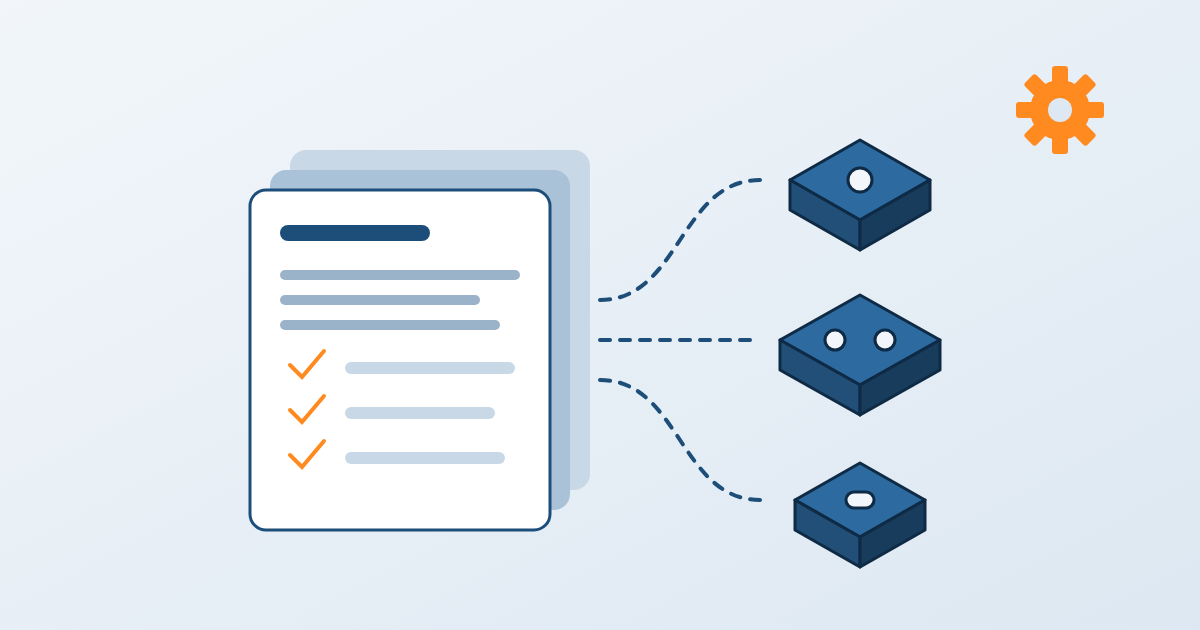
Most shops run families of similar parts, yet many programmers still begin each job on a blank screen. Creo allows teams to capture what works and reuse it. The manufacturing start models come with the information a new job needs. This includes fixtures, work centers, tooling, operations, NC sequences, and machining parameters, preloaded. Reusable .xml manufacturing templates take it one step further by enabling programmers to apply predefined operations and NC sequences to a new part in just a few steps. Parameters can default to formulas or be copied from existing toolpaths, automatically transferring proven feeds, speeds, and strategies.
The advantages build up over time:
- New programs are built on a validated baseline, not on a blank sheet.
- All programmers, shifts, and sites use the same machining practices.
- Institutional knowledge is held in the system, not in the head of a single expert.
4. Integrated CAD/CAM Workflows: One Environment, Fewer Handoffs
The last benefit is that manufacturing happens in the environment designers already know. Creo’s CAM tools have the same command ribbon, context-sensitive menus, and right-click access to toolpath editing. The toolpath preview mode provides immediate visual feedback as parameters are changed, lowering the learning curve for both new and experienced programmers.
That single environment satisfies a wide range of machining needs:
- 2½-axis feature-based machining, 3-axis prismatic and multi-surface milling, and 2- to 5-axis continuous milling
- 2- to 4-axis turning and 2- to 4-axis wire EDM
- Comprehensive hole making
- 3- and 5-axis high-speed milling powered by ModuleWorks, including automatic 3+2-axis roughing and rest roughing
Creo High Speed Milling Advanced replaces the Mold Machining Extension for customers using Creo 8.0 and above, and introduces simultaneous 5-axis and 3+2-axis high-speed machining without requiring a license update. High-speed techniques such as adaptive roughing also help extend tool life and reduce machine wear. With design, programming, and simulation all in one place, teams rely less on third-party tools and spend less time moving data between them.
Can You Do CAM Programming Directly In Creo?
Yes. Creo includes integrated CAM, so NC programmers create toolpaths directly on the native design model, and those toolpaths regenerate when the design changes. Manufacturers can move faster without disrupting the design process with Creo’s integrated CAD/CAM. Achieving positive results depends on how you implement Creo’s capabilities, though. As a PTC partner, SPK and Associates helps engineering and manufacturing teams compare Creo packages and licensing options, plan implementations, connect Creo to other tools, and support distributed teams with SPK vCAD™. Our team has extensive experience in regulated and high-precision industries, including automotive, aerospace and defense, medical devices, and industrial manufacturing. If you think your team is ready to link design and manufacturing, reach out to our team to talk through your machining workflows with our Creo experts.