
Key Takeaways
- Air-gapped networks protect sensitive code and data, but they break the default assumptions of most CI/CD tools, which expect internet access for images, packages, and scanner updates.
- GitLab Self-Managed runs fully offline, keeping source control, CI/CD, container and package registries, and security scanning inside your security perimeter on a single platform.
- Secure air-gapped pipelines depend on a controlled import process: mirror container images, dependencies, and scanner signatures through a vetted transfer path, then point every job at internal sources.
- GitLab Duo Self-Hosted brings AI capabilities such as root cause analysis for failed pipelines and vulnerability explanation into disconnected environments without sending code or data outside.
- As a GitLab Professional Services Partner, SPK and Associates helps regulated and federal teams design, deploy, and maintain secure GitLab pipelines in air-gapped environments.
GitLab can run a fast, fully secure CI/CD pipeline without ever connecting to the internet. This is great for teams in regulated industries, as it eliminates the risk of unsecured external networks. However, most DevOps tooling assumes that it can reach the outside world to pull container images, download dependencies, and refresh security signatures. When that assumption is incorrect, teams can resort to manual builds, ad hoc file transfers, and skipped security checks. That trade-off slows delivery and exposes the risks that air-gapped networks were created to prevent. In this post, we’ll discuss why CI/CD security is even more critical in air-gapped environments, how GitLab secures offline pipelines, and the steps to build one yourself.
Why CI/CD Security Matters Even More in Air-Gapped Environments
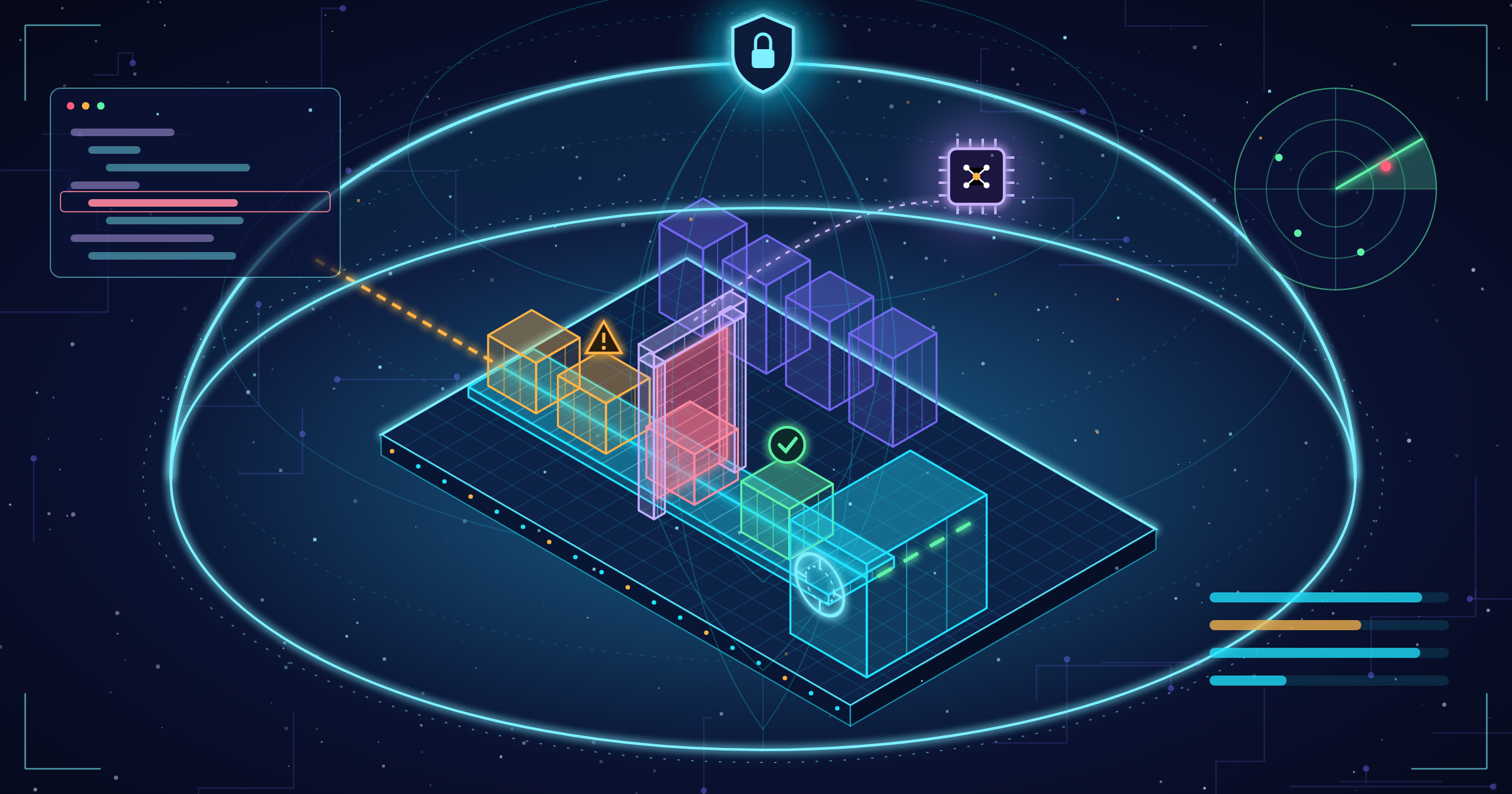
The CI/CD pipeline is one of the most privileged systems in any organization. It touches source code, credentials, build artifacts, and production deployments. If an attacker compromises the pipeline, they compromise everything it produces. The software supply chain makes that risk harder to manage. An air gap removes the network path an attacker would normally use, but it does not make a pipeline secure on its own. Air-gapped teams face their own set of risks:
- Stale dependencies and signatures. Without a reliable update process, scanners run on outdated vulnerability databases and teams build on unpatched libraries.
- Uncontrolled imports. If not vetted, every container image, package, and tool brought across the gap is a potential entry point.
- Manual workarounds. When automation breaks offline, engineers resort to hand-built releases and skipped scans, which erodes consistency and traceability.
- Audit pressure. Federal and regulated programs must show a clear chain of custody under frameworks such as NIST SP 800-53, ICD 503, and CNSSI 1253.
A secure air-gapped pipeline must stay automated, keep its security tooling current, control everything that enters, and produce an auditable record of every change.
How GitLab Helps You Build Secure Air-Gapped Pipelines
GitLab provides a complete DevSecOps platform for air-gapped teams that runs entirely within their own network. Teams don’t have to cobble together separate source control, build, artifact storage, and security scanning tools. They control the entire pipeline in one application with one permission model and one audit trail.
Self-hosted, Offline-ready Deployment
GitLab Self-Managed is designed to run in what GitLab refers to as offline environments. These are physically disconnected networks, limited-connectivity networks, and isolated intranets. GitLab’s own guidance assumes files from the internet are delivered by physical media, which is how most classified and high-security programs already work.
Embedded Registries
GitLab’s container registry and package registry let you store the images and dependencies your jobs need in the same platform that runs your pipelines. Runners use their own resources, not the public’s.
Security Scan
SAST, Dependency Scanning, Container Scanning, Secret Detection, DAST, and IaC scanning are all examples of GitLab security scanners that can execute without an internet connection. GitLab has a vendored Secure-Binaries template that packages the scanner images so that they can be transferred into the offline environment and served from an internal registry.
Governance and Traceability
Protected branches, merge request approvals, and audit events help to ensure separation of duties and give a clear record of who changed what, when. That evidence supports the chain-of-custody requirements that federal and regulated programs have.
AI Without Leaving the Perimeter
With GitLab Duo Self-Hosted, teams can run approved models like Mistral via vLLM behind a self-hosted AI gateway. Authentication utilizes self-issued tokens that only pass through that gateway, meaning no code or data leaves the environment. It extends capabilities such as root cause analysis of failed pipelines and AI-assisted vulnerability explanation into networks that could never use a cloud AI service for CI/CD teams.
How to Build an Air-Gapped CI/CD Pipeline With GitLab
Each environment is different, but most secure air-gapped GitLab installations follow the same basic pattern. Here’s a practical place to begin.
- First, plan the architecture and licensing. For offline environments, GitLab requires an opt-out exemption from cloud licensing, which needs to be arranged with GitLab before purchase. Determine where the GitLab instance, runners, registries, and any AI gateway will live, and how they will be segmented within the enclave.
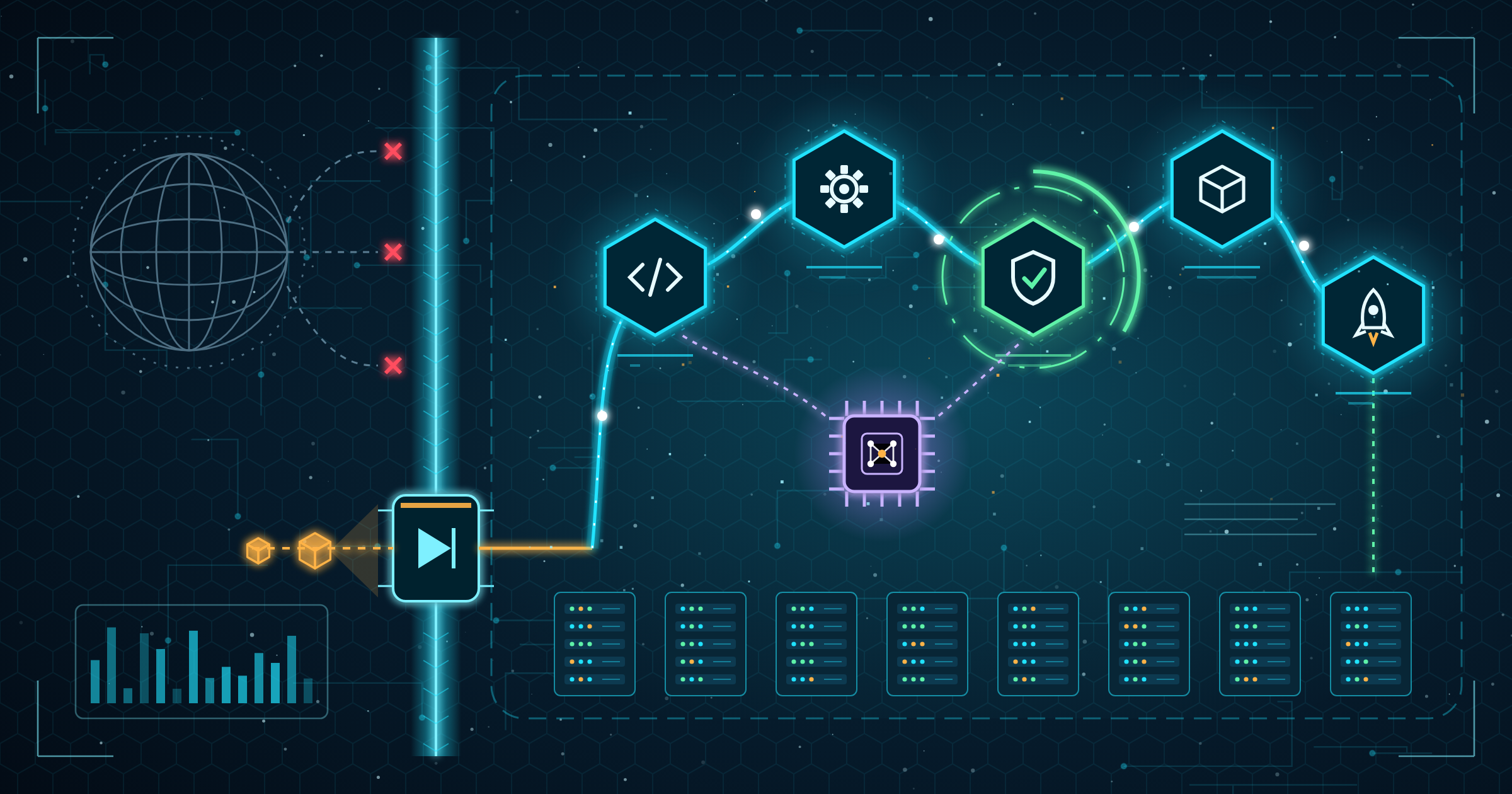
- Establish a controlled transfer path. Explain how software bridges the gap, using physical media, a unidirectional data diode, or a bastion host. Each import is checked and verified by checksum or signature and logged before it is allowed into the internal network.
- Install GitLab Self-Managed and register internal runners. Only pull jobs from your internal GitLab instance and images from internal registries for runners. Only give the projects that actually need them access to privileged runners.
- Mirror container images and dependencies. Bring the base images, build tools, and language packages your pipelines require into the GitLab container and package registries. Disable any job steps that attempt to access public registries or package repositories.
- Configure offline security scanning. Run a project using GitLab’s Secure-Binaries template on the connected system to download the scanner images and then move them across the gap. Set the SECURE_ANALYZERS_PREFIX CI/CD variable to use your own copies for jobs. Schedule that connected-side pipeline so scanners and signatures stay current. We recommend it at least weekly. Container scanning has separate offline instructions, so plan accordingly.
- Lock down secrets and access. Store credentials as protected, masked CI/CD variables. Enforce protected branches and merge request approvals. Apply least-privilege roles across groups and projects.
- Embed compliance into the pipeline. You must require security scans for every merge request, review results before merging, and retain audit events and pipeline artifacts as evidence for assessments.
- Add AI where it helps, within the perimeter. Wherever possible, deploy GitLab Duo Self-Hosted with an org-approved model so engineers can troubleshoot failed pipelines and understand vulnerabilities faster without external connectivity.
The most important thing is to be consistent. An air-gapped pipeline is only as secure as the update process, so consider the import workflow as part of the pipeline itself, with the same automation, review, and audit discipline as your code.
Can GitLab security scanners run without internet access?
Yes. Air-gapped teams can have security and modern delivery with GitLab. GitLab enables them to run automated, fully scanned, auditable CI/CD pipelines entirely inside their own perimeter, even bringing AI into the workflow without exposing code or data. It does take some careful planning to get there, though. Licensing, network segmentation, import controls, scanner updates and compliance evidence must all work together from day one.
As a GitLab Professional Services Partner, SPK and Associates has extensive experience assisting organizations in regulated industries. We can help your team design and deploy GitLab Self-Managed, create secure and compliant pipelines with integrated scanning, provide ongoing managed services, and more. Read more about our GitLab expertise or reach out to us to begin building a secure CI/CD pipeline for your air-gapped environment.