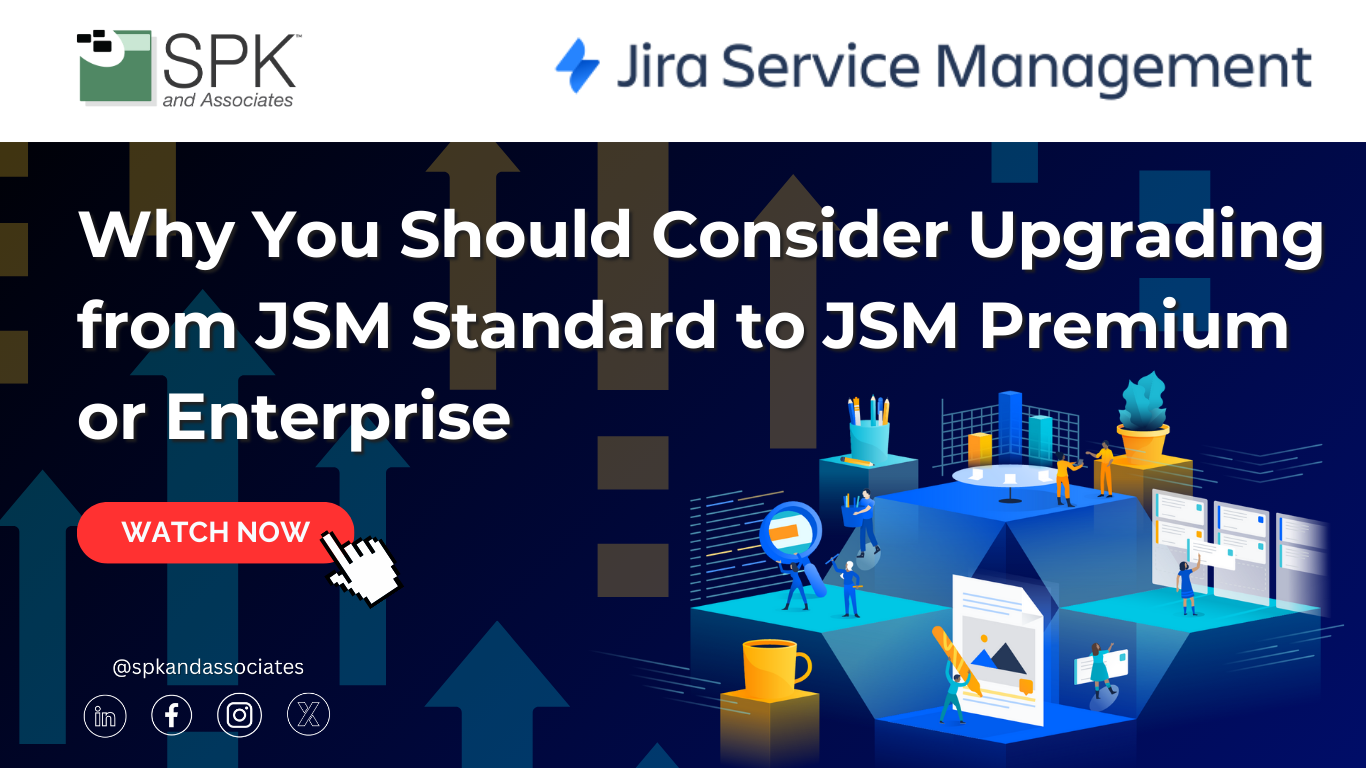

Why Upgrade JSM Standard to Premium?
Hi everybody. I’m Michael Roberts, Vice President of Sales and Marketing here at SPK and Associates. And today I want to break down a question that I hear all the time from our clients: is it worth upgrading from JSM Standard to either Premium or Enterprise?
If you’re currently on JSM Standard, you already know it’s a solid ITSM platform. But as your organization grows, your service operation, compliance needs, and automation expectations change. They tend to grow, and that basically means Standard may not be what you need. You may need more. And that’s really where Premium and Enterprise editions start to shine. They start to give you some of those features that you’re looking for.
So in this vlog, I’ll walk through the real differences between each edition, not just the features that are listed on the Atlassian website, but also the practical day-to-day impact that we see across our client environments and what’s important to them. We’ll look at reliability, automation, change management, asset management, scaling across teams, and, of course, governance and compliance.
By the end, hopefully you’ll have a clearer sense of whether staying on Standard will give you what you need, or if moving to Premium or Enterprise will unlock more features and more value for your organization. Let’s dive into this comparison.
Features Moved From JSM Cloud Standard in 2024
So let’s first start with a couple of features that were taken in 2024 out of Cloud Standard and moved to Cloud Premium and Enterprise.
Major incident management and change/problem management have been moved into Premium and Enterprise editions only. So if you’re looking for those capabilities, that may be something that you want to consider upgrading to Premium or Enterprise for.
Configuration Management Database
Also, the other thing that I think is hyper valuable—I think it’s probably the number one reason people look at Cloud Premium over Standard—is the Assets or CMDB, Configuration Management Database.
This used to go by a couple of different names, so I’ll give them all. That way, if you’ve seen them by different names, you’ll know.
Atlassian acquired a third-party marketplace company several years ago that was called Mindville, and they had a tool called Insight Asset Management. When they acquired it, they added it into Premium accounts only. And then since then, they’ve changed the names. They changed it just to Insight, and then more recently they’ve changed it to the name Assets, because it is just an asset tool. So they’re trying to get rid of the previous name.
So you’ll see Assets now as the name, but that has a long-standing capability for helping manage different types of assets. Obviously, your traditional IT assets like laptops and mobile devices and servers and switches and routers, but also even a different approach. You can use that for almost any asset. It could be software assets. It could be facility assets. So there’s a lot of different people using those in different ways.
So keep in mind that the Assets component is part of Premium—at least Premium—so it does not come with Standard.
Jira Service Management Sandbox Environments
The other, probably the second feature that I see companies upgrading to Premium over Standard for is to be able to have a sandbox.
Having a sandbox gives you the ability to add different features, try different things, mess with workflows or automations without messing with your production environment. Obviously, you don’t want to have an impact on production. So having a sandbox will give you all the capability to use test data and confirm that you can actually do the things that you want to do.
Whether that’s automations—workflows are probably the most common things—but it could be third-party marketplace apps and testing there, doing demos and things there. So that’s another benefit as well.
SLA Differences Between Standard, Premium, and Enterprise
Also, there’s a big delta between Standard, Premium, and Enterprise with regards to the Atlassian SLA. I’ll talk about automations here in just a second, but just the SLA component I think is really big.
If you’re expecting five 9s, you’re definitely going to want to look at Enterprise. They do vary with each of those. So look at what your expectation level is, how often that environment can be offline. They do a very good job at being very responsive and putting a lot of effort and infrastructure into maintaining a good service, but that is something to consider—what level of guarantees and SLA do you want and are you expecting?
Incoming Call Routing with Opsgenie
I will include a link for this next feature: incoming call routing from Opsgenie, related to Opsgenie.
Atlassian is actually rolling this out now. They’re in the process of deploying this, so it may not be complete or in your environment today. But they do have some integrations where you can call a phone number that will trigger an event and show in Opsgenie and then relate to the tickets as well. Pretty interesting feature, but that does not come with Standard. That only comes with Premium and Enterprise. So just be aware of that too.
Security, Compliance, and Multiple Instances
I’ll say that the Enterprise security and compliance difference between Standard and then Premium and Enterprise really is very different across the board.
These two are somewhat similar in that, yes, there’s security, yes, there’s especially if you’re using it with Atlassian Guard for all the single sign-on components. But the way that Atlassian talks about this really is related to multiple users having to be—let’s say your company had two different cloud instances and they were both Standard, for example—you would have to pay for that same person in two different instances versus having Cloud Enterprise, which we’ll talk about here in a bit with multiple sites. You’re only paying for that user once across multiple sites. So it basically means you’re able to manage that user much easier.
If you have multiple instances, you have to manage them. You’re paying for them multiple times obviously, but you’re managing them multiple times too. This person in this instance may have certain permissions that they don’t in another one, or what happens if they offboard? They all have to be manually removed from each instance, right?
So there’s definitely some differences between the compliance and security-related components between Standard, Premium, and Enterprise, but that’s probably the one that I would call out the most—the one that usually gets the most attention.
Atlassian Rovo
Another big difference between Standard, Premium, and Enterprise is the amount of AI credits that you get for usage of Atlassian Rovo.
Atlassian in early 2025 made the announcement that Rovo will be free for any Jira or Confluence user or JSM user as well. The bad part about that—or the thing that wasn’t as publicized, if you will—was yes, but there could be AI charges if you overutilize or use it beyond what Atlassian is expecting.
So keep in mind that Atlassian for Standard is giving you 25 AI credits per month per user. And then with Premium that jumps up to 70, and then all the way up to Enterprise, that’s 150. So just keep in mind that there is potential AI use charges if you’re using beyond what Atlassian is expecting. So just keep that in mind as well.
Data Residency
Another big, I would say probably the third reason that people go from Standard to Premium is data residency.
This has to do with where your data resides in the globe. There are different requirements for data to reside in certain countries. Especially if you’re a company from a certain country, data is not supposed to leave, so the data needs to reside in that country.
You do have that capability to move where your data resides with Premium and Enterprise but not with Standard. So just know that that’s a difference as well.
IP Allow Listing
Another one that I commonly get, kind of after the fact, after people maybe move on to JSM, is they start to look at IP allow listing—meaning who can access this instance.
It’s the old comparison, the old IT way of VPNing into a private network. This is basically: who do I allow to get to this website, to this internal website that happens to be on the internet?
So just be aware that that is a Premium and Enterprise feature. That is not a Standard feature.
Multiple Instances Under Cloud Enterprise
And then the last couple here. I’ll jump to the instances one first because I think that trumps a little bit of what I’m going to talk about with automations.
The instances I referenced before about the compliance component and having multiple instances and then multiple users—if you’re on Standard or Premium—but Enterprise allows you to have multiple. This is really what I mean.
You have one instance. You’re buying it one at a time, if you will. And if another division or another department wants to buy another instance, that’s a whole other thing. There is no relationship between the two. And in some instances, it harms the ability to utilize single sign-on across multiple instances. But with Cloud Enterprise, you can do that, and you can essentially pay for a single person, and that person’s license can be used at any instance that is under that Cloud Enterprise agreement.
So for sure, this is definitely the most cost-effective means if you have multiple departments and they need to be separated. They don’t need to have the same instance, which there are—for large organizations—there are reasons for that. But at a high level, the best way to approach that is go Cloud Enterprise, and then that will reduce your risk in terms of management of users and security and compliance.
So high level, that’s really important from a security and compliance perspective and a big difference between those options.
Automation Limits
And then the last—which again I think is kind of a hidden scenario until it becomes a problem. So companies aren’t really looking at this. But automations are hyper powerful with regards to having a Jira or JSM instance, and I think it’s one of the things that sets Atlassian apart.
So these automations can run, but you do have limits.
With Standard, it’s 5,000 rules total per month. So that’s for the whole instance. It’s not per user. So Standard has a relatively low number of running those automation rules.
With Premium, this jumps up to 1,000 rule runs per month per user. So then it’s based upon how many users you have. And then with Enterprise, it’s unlimited.
So keep in mind that 5,000 for your total instance on Standard, but then 1,000 per user per month on Premium. So that’s a big difference too.
How SPK Can Help
So hopefully you enjoyed this. Thanks for sticking with me today as we walk through the key differences between Jira Service Management Standard, Premium, and Enterprise. Hopefully this gives you a clearer picture of where your edition fits in and what upgrading would mean for you and your teams.
If you’re unsure of which edition of JSM is right for you, or if you want a more personalized comparison based upon your environment, SPK and Associates is here to help. SPK is an Atlassian Gold Solution Partner who has guided countless organizations through migrations, upgrades, and full JSM implementations, and we’re happy to help point you in the right direction.
If you found this video helpful, please give us a like on YouTube, subscribe to our YouTube channel for more content like this, and feel free to leave any questions in the comments. Our staff will be monitoring that.
Thanks for watching, and we’ll see you on the next one. Thanks.