
As organizations move more teams, projects, and workflows into Atlassian Cloud, identity management becomes one of the most important parts of a secure cloud strategy. Jira, Confluence, Jira Service Management, Bitbucket, and other Atlassian tools often become central systems of work. That means access must be easy for employees, manageable for IT, and secure enough to support enterprise governance.
Microsoft Entra ID (formerly Azure Active Directory) integration with Atlassian Cloud helps organizations centralize authentication, automate user provisioning, and reduce the risk of unauthorized access. When paired with Atlassian Guard, organizations can apply stronger identity controls across Atlassian Cloud, including single sign-on, automated user lifecycle management, authentication policies, and improved visibility into user access. For companies scaling Atlassian across departments, locations, or regulated environments, this integration provides a stronger foundation for secure cloud growth.

How to Connect Microsoft Entra ID and Atlassian Cloud
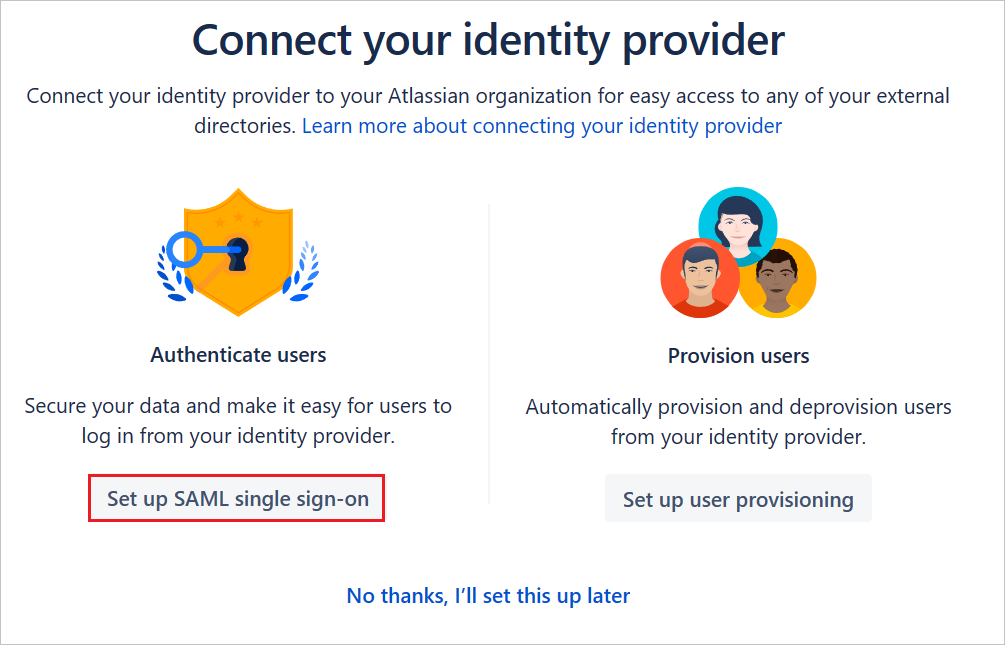
There are multiple ways to connect Microsoft Entra ID with Atlassian Cloud, depending on your organization’s setup and requirements. The integration typically includes two major components: single sign-on and user provisioning.
Single Sign-on
Single sign-on allows users to access Atlassian Cloud using their Microsoft Entra credentials. This creates a more consistent login experience while allowing IT teams to manage authentication policies through their identity provider. Microsoft’s Atlassian Cloud integration supports SAML-based SSO, and Atlassian Cloud supports both service provider and identity provider-initiated SSO.
User Provisioning
User provisioning allows Microsoft Entra ID to create, update, and deactivate Atlassian users automatically. Atlassian supports SCIM 2.0 for user provisioning, which helps organizations sync users and groups from an identity provider into Atlassian Cloud. Atlassian recommends starting with test accounts and groups before connecting broader user populations, which helps prevent existing users from losing app access during setup.
For many teams, the fastest setup path is Atlassian’s automatic user provisioning option for Microsoft Entra ID. Instead of manually configuring every SCIM and SAML setting, administrators can sign in with Microsoft, grant access, configure sync settings, and allow Atlassian to set up the sync automatically. This approach is especially useful for organizations that want to move quickly, but it still requires careful planning.
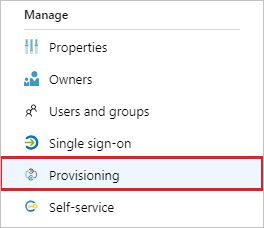
Getting Setup
Before starting, administrators should confirm that they are an Atlassian organization admin, if using Atlassian Guard Standard, ensure that it is enabled, and confirm they are connecting to the correct Microsoft Entra tenant. Connecting the wrong tenant, syncing the wrong groups, or choosing the wrong user identifier can create login issues, access problems, or licensing confusion.
A safe setup process should start with a pilot group. In Atlassian Administration, admins can navigate to Security, then User security, and then Identity providers. From there, they can select Microsoft Azure AD or Microsoft Entra ID, name the directory, and choose the automatic provisioning option. After signing in with the correct Microsoft account and providing consent, they can configure sync settings.
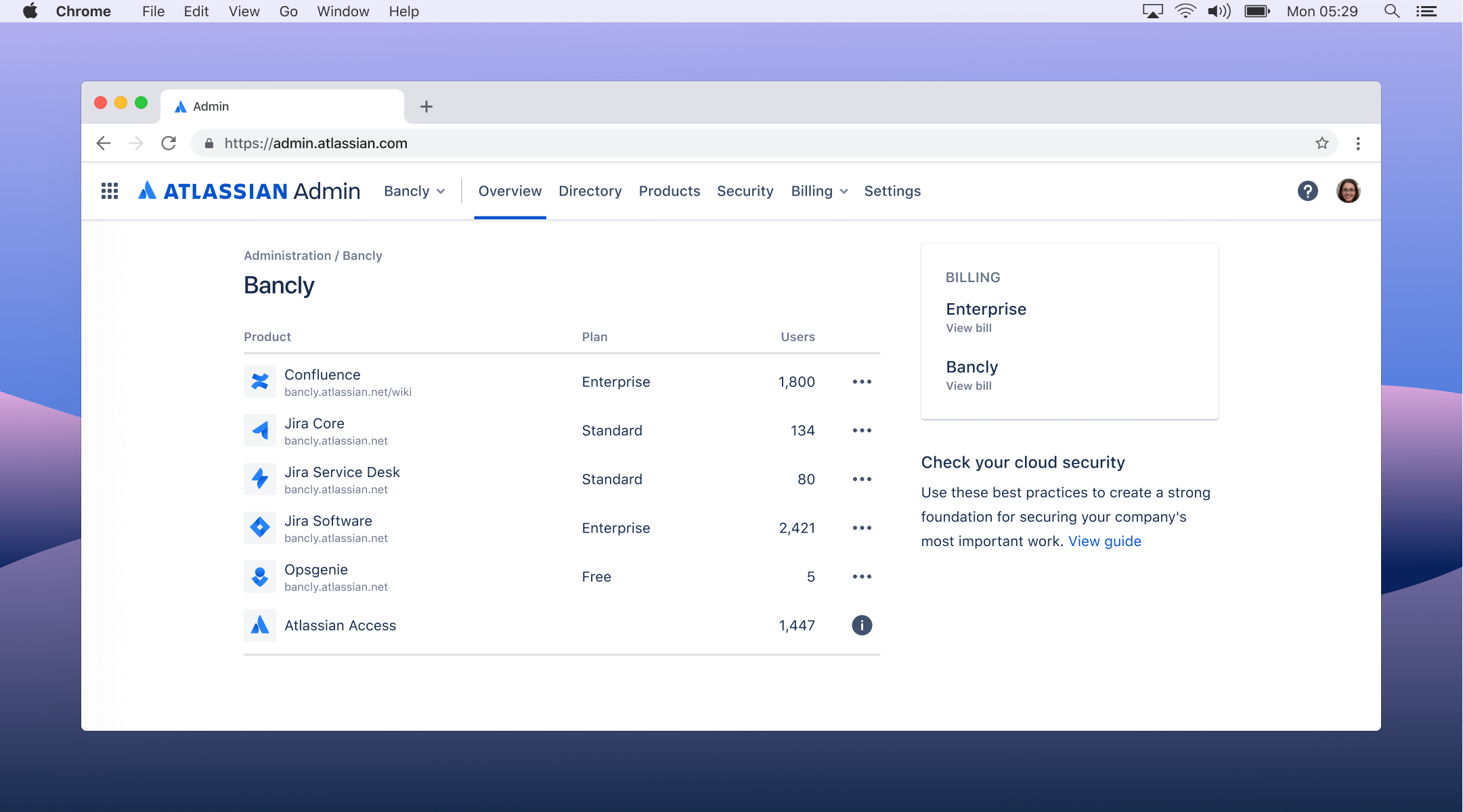
Configurations
Important configuration choices include the sync interval, domain filtering, user and group selection, and user identifier. For production environments, automatic syncing is usually kept enabled. The default sync interval is every four hours, though teams may be able to adjust this to one hour, two hours, or 24 hours depending on their needs. If the Entra tenant includes multiple domains, organizations should limit syncing to verified domains that should be connected to Atlassian. If the goal is to avoid syncing every user in the tenant, admins can select specific groups and their users instead.
The user identifier is especially important. Atlassian may identify users by user principal name or email address, depending on the configuration. The same identifier should be used later when configuring SSO. If the provisioning identifier and SSO identifier do not match, users may experience login failures or duplicate account issues.
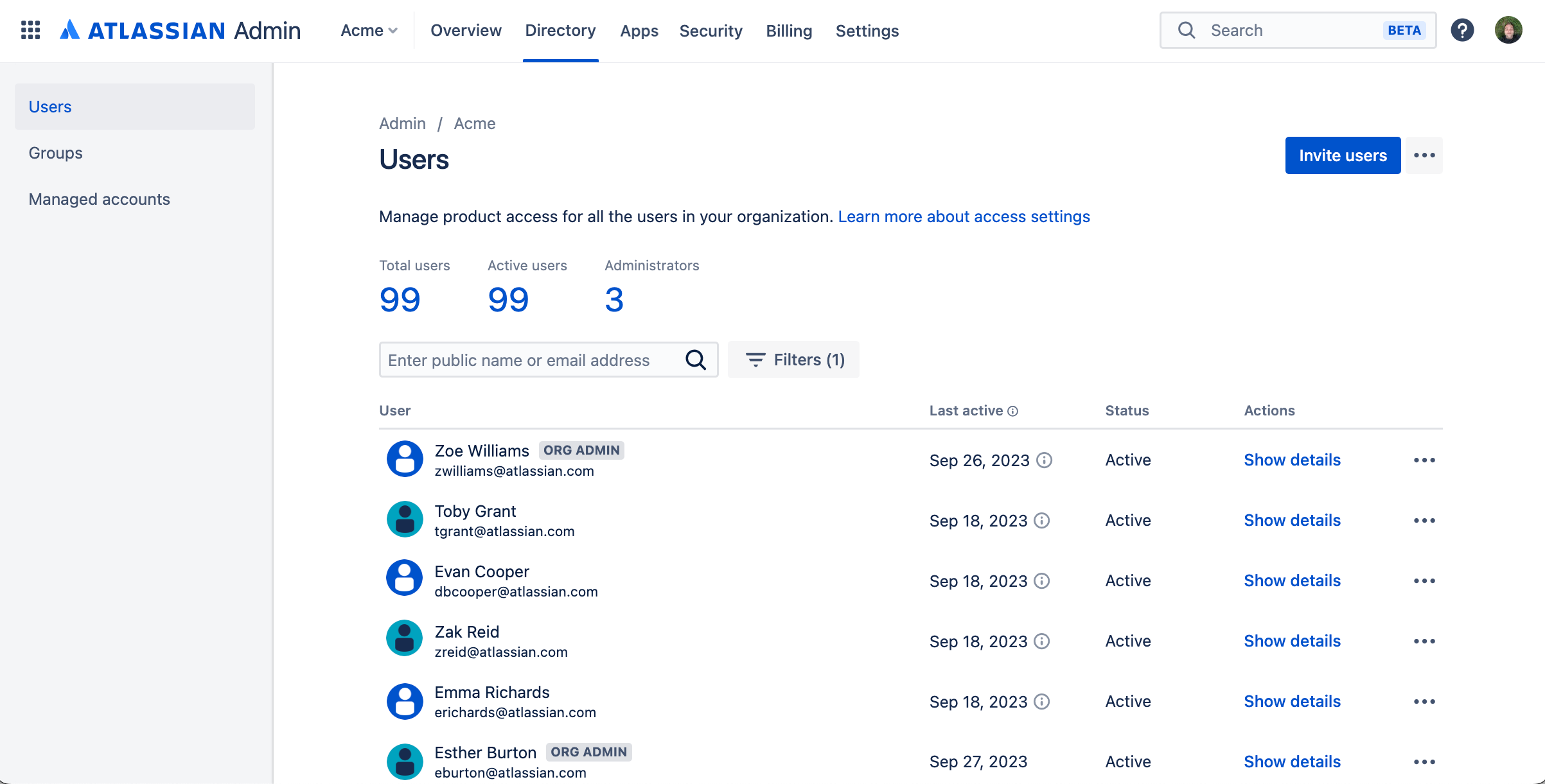
Running the First Sync
Once sync settings are configured, admins can run the first sync. This step should be treated like a production change. Atlassian notes that user provisioning allows organizations to manage user details and groups from the identity provider, but the initial sync should still be validated with test users and groups first. After the pilot sync is complete, teams should verify users, domains, memberships, and product access before expanding the rollout.
It is also important to remember that syncing users is not the same as granting app access. Newly synced users or groups may still need access assigned to Jira, Confluence, Jira Service Management, or other Atlassian products. This distinction is critical for both licensing control and security.
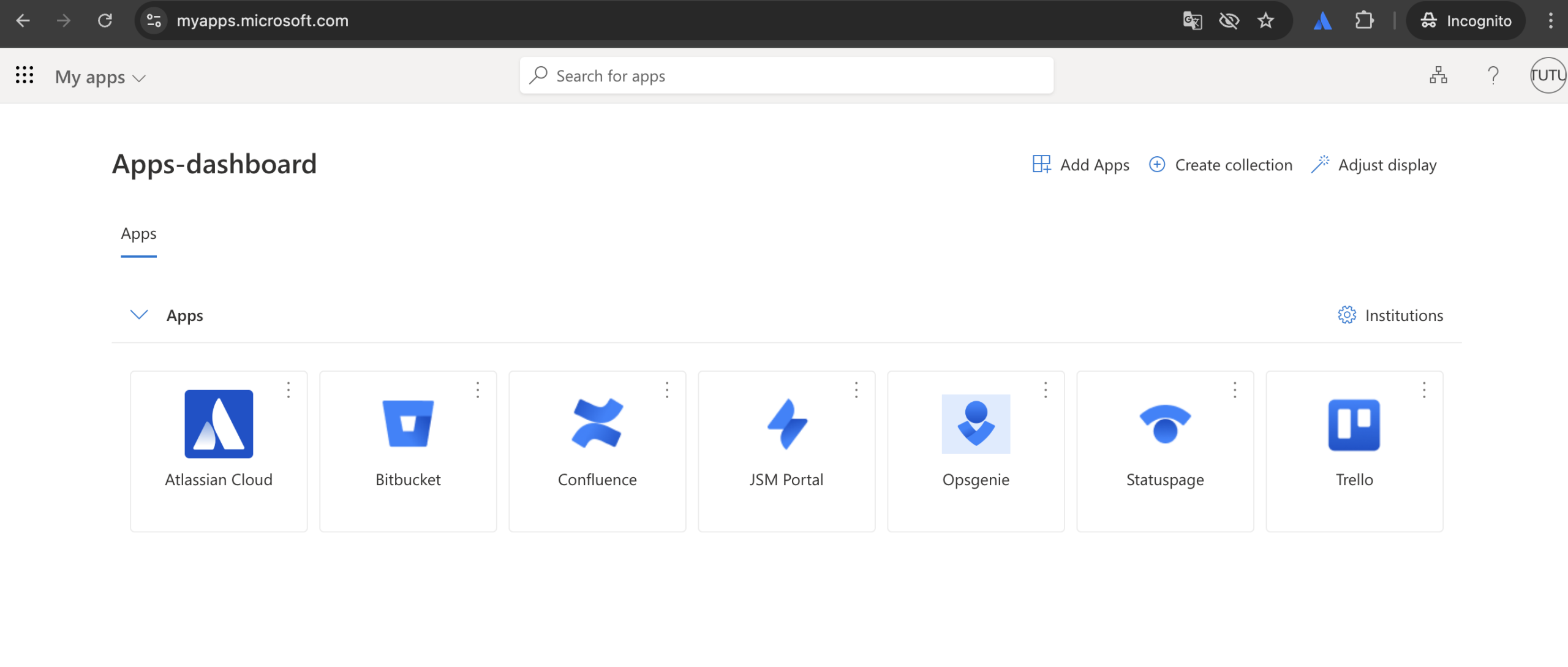
Benefits of Connecting Microsoft Entra ID with Atlassian Cloud
The biggest benefit of connecting Microsoft Entra ID with Atlassian Cloud is centralized identity control. Instead of managing Atlassian users separately from the rest of the enterprise, IT teams can manage access from Microsoft Entra ID. Microsoft’s Atlassian Cloud integration is designed to help organizations control who has access, enable users to sign in with Microsoft Entra accounts, and manage accounts in one central location.
This becomes especially valuable as Atlassian usage expands beyond software teams. Many organizations now use Jira Service Management for IT, HR, legal, finance, facilities, and enterprise service management. Confluence may serve as the knowledge base for multiple departments. Jira may support engineering, product, operations, and business teams. As adoption grows, manual account management becomes harder to control.
Atlassian Guard & Microsoft Entra ID
With Microsoft Entra ID and Atlassian Guard, organizations can automate more of the user lifecycle. When employees join, change roles, move departments, or leave the company, provisioning and deprovisioning can be managed through the identity provider. This reduces manual work for IT and helps prevent stale Atlassian accounts from remaining active after an employee no longer needs access.
The integration also improves security consistency. Entra ID can serve as the organization’s authentication authority, while Atlassian Guard applies identity and security controls across managed Atlassian accounts. Atlassian Guard supports identity provider integration, user provisioning, and automatic updates to users and groups when updates are made in the identity provider. This creates a more scalable way to enforce access policies across Atlassian Cloud.
Onboarding and Offboarding
Another major benefit is improved onboarding and offboarding. With group-based provisioning, organizations can map Entra groups to Atlassian access patterns. For example, a Jira user group, Confluence user group, or Jira Service Management agent group can be synced from Entra ID and then assigned the appropriate product access in Atlassian. This helps new users get access faster while reducing the risk of over-provisioning.
Compliance Benefits
For compliance-driven organizations, the integration can also strengthen audit readiness. Centralized identity management makes it easier to show who has access, why they have access, and how access is removed when no longer needed. This is especially important for organizations managing regulated product development, healthcare technology, aerospace and defense workflows, financial operations, or internal systems that require stronger access governance.
The connection can also support better license management. When users are manually added to Atlassian products, organizations can easily lose visibility into unused, duplicate, or outdated accounts. By syncing only the right groups and reviewing access regularly, teams can reduce licensing waste and maintain cleaner user directories.
User Experience
Finally, SSO improves the user experience. Employees can access Atlassian Cloud using the same Microsoft identity they already use across the organization. This reduces password fatigue, simplifies login workflows, and gives IT teams a more consistent way to apply authentication requirements across SaaS tools.
Scaling Atlassian Cloud with Help from SPK
Successfully connecting and configuring Microsoft Entra ID to Atlassian Cloud depends on multiple factors. These factors include:
- How your organization uses Atlassian today
- How your teams are structured
- Which domains are verified
- Which groups should sync
- How product access is assigned
- What compliance requirements must be supported

Configuring the Atlassian Environment
SPK and Associates helps organizations plan, configure, and optimize Atlassian Cloud environments with security and scalability in mind. As an Atlassian solution partner with deep experience in DevOps, cloud infrastructure, engineering workflows, ITSM, and regulated environments, we help teams avoid the common pitfalls that can occur during identity provider integration.
That includes helping organizations answer practical questions such as:
- Which Entra tenant should be connected
- Which domains should be included
- Whether users should be identified by email address or user principal name
- How pilot groups should be structured
- Which groups should receive product access
- When SSO enforcement should be enabled
Compliance and Governance
Our team of experts can also help organizations design the broader Atlassian Cloud governance model. This may include:
- Configuring Atlassian Guard
Setting authentication policies - Reviewing user and group structures
- Cleaning up duplicate or unmanaged accounts
Planning migrations from on-prem Atlassian environments - Aligning Jira, Confluence, Jira Service Management, and Bitbucket access with enterprise identity standards
For organizations in regulated industries, we bring additional value by helping connect identity controls to audit and compliance needs. Secure user provisioning, controlled product access, authentication enforcement, and clear offboarding processes all contribute to stronger governance. Rather than treating Entra ID integration as a one-time configuration, we help organizations build a scalable access model that can grow with the business.
Integrating Atlassian Cloud and Microsoft Entra ID
As Atlassian Cloud adoption expands, identity management becomes a core part of cloud security. Microsoft Entra ID integration with Atlassian Cloud and Atlassian Guard gives organizations a centralized way to manage authentication, enforce access policies, and reduce manual administrative work. For organizations looking to scale Atlassian Cloud securely, SPK and Associates can help design and implement the right identity foundation. If you would like help building a secure, scalable Atlassian Cloud environment that supports both productivity and control, reach out to our team.