
spk-logo-white-text-short2
0%
1-888-310-4540 (main) / 1-888-707-6150 (support) info@spkaa.com
Select Page

Tips and Tricks to using Windows 8

Written by SPK Blog Post
Published on January 30, 2014

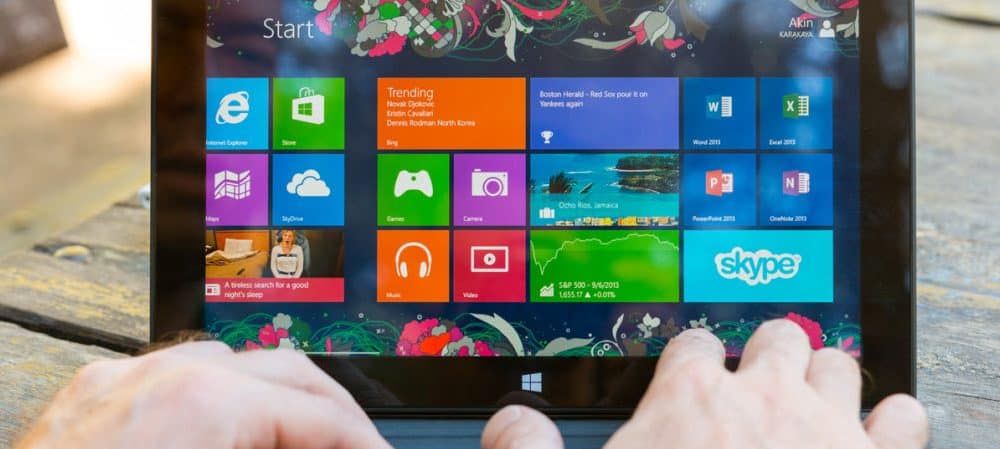
I recently upgraded to Windows 8 from Windows 7 on my HP Pavillion dv6 laptop. For me, it was a matter of needing to re-install my system after a hard disk failure. I opted for  Windows 8 mainly to test the new operating system.

From a feature standpoint, Windows 8 is minimally different than Windows 7. I’d recommend not spending the effort or money on upgrading unless you had a compelling reason. However, if you’re buying a new system with Windows 8, I’d keep it over downgrading to Windows 7.

Here’s a quick list of best ways of Using Windows 8.
Latest White Papers

Related Resources

Why Teams Can Adopt Rovo with Confidence

Why Teams Can Adopt Rovo with Confidence

AI appears to be integrated into everything now, but it is essential to ensure that the AI tools your organization utilizes are both secure and efficient. Dive into this eBook to explore why Atlassian Rovo is a trusted AI assistant.What You Will Learn In this eBook,...

The IT Team’s Playbook for Automation and Security

The IT Team’s Playbook for Automation and Security

Many teams struggle with delays due to inefficient processes. This eBook will explore how automation and proper security practices can streamline Jira management.What You Will Learn In this eBook, you will explore: Common access mistakes How to streamline access...