
Key Takeaways
- Microsoft 365 Business Basic, Standard, and Premium now support up to 100 GB primary mailboxes, removing one reason some organizations previously needed higher-cost licensing.
- Office 365 E3 users may be candidates for Business Premium, particularly if mailbox capacity was the main reason they were assigned E3.
- Organizations could save about $10,080 annually across 200 eligible users by moving from Office 365 E3 to Business Premium under an annual commitment.
- Some Exchange Online Plan 2 add-ons may no longer be necessary for Business users who only needed the license to increase their primary mailbox beyond 50 GB.
- A Microsoft 365 licensing review can uncover overlapping or outdated licenses and reduce recurring costs without taking away capabilities employees actually use.
Microsoft has made an important change to Microsoft 365 Business licensing that could give many organizations an opportunity to reduce their annual Microsoft licensing costs. Let’s jump into a summary of the changes.
What Changed With Microsoft 365 Licenses in 2026?
Microsoft 365 Business Basic, Business Standard, and Business Premium are receiving an additional 50 GB of primary mailbox storage, increasing the supported mailbox entitlement from 50 GB to as much as 100 GB per user. Microsoft is rolling out the change between June and September 2026.
That may sound like a relatively small licensing update. For companies that previously purchased more expensive licenses primarily because employees needed larger mailboxes, however, it is worth taking another look at their Microsoft 365 license assignments.
The timing is particularly interesting because Microsoft’s July 1, 2026 pricing changes increased the price of several Microsoft 365 products. Office 365 E3, for example, increased by 13%, while Microsoft 365 Business Premium pricing remained unchanged.
For some organizations, those two changes create opportunities to right-size their Microsoft licensing.

Reevaluate Office 365 E3 Users
One reason organizations have historically assigned Office 365 E3 licenses has been the need for a 100 GB primary mailbox. That requirement alone may no longer justify an E3 license.
With Microsoft 365 Business Premium now eligible for a 100 GB primary mailbox, organizations with fewer than 300 Business licenses should evaluate users currently assigned Office 365 E3 and determine if Business Premium better matches their actual requirements.
There is a significant difference beyond mailbox capacity. Microsoft 365 Business Premium includes capabilities such as Microsoft Intune Plan 1 for device management, Microsoft Entra ID P1, Microsoft Defender for Business, Defender for Office 365 Plan 1, and Microsoft Purview information protection and data loss prevention capabilities.
That means an eligible user may be able to move to Business Premium while gaining endpoint management, identity and access controls, device security, and other capabilities. The potential licensing savings make the assessment even more compelling.

Based on current licensing options, organizations may see savings of approximately:
- $4.80 per user/month with a monthly commitment
- $4.20 per user/month with an annual NCE commitment
Those numbers become meaningful at scale. Saving $4.20 per month across 200 eligible users, for example, would reduce licensing costs by approximately $10,080 per year.
There is an important limitation, however. Microsoft 365 Business plans have a 300-user maximum. Organizations also need to compare the complete capabilities of E3 and Business Premium rather than making a change based only on mailbox size. But if 100 GB mailboxes were a major reason your organization chose Office 365 E3, this is a good time to review those users.
Find “Exchange Online Plan 2” Licenses You No Longer Need
The second opportunity may be even easier to identify.
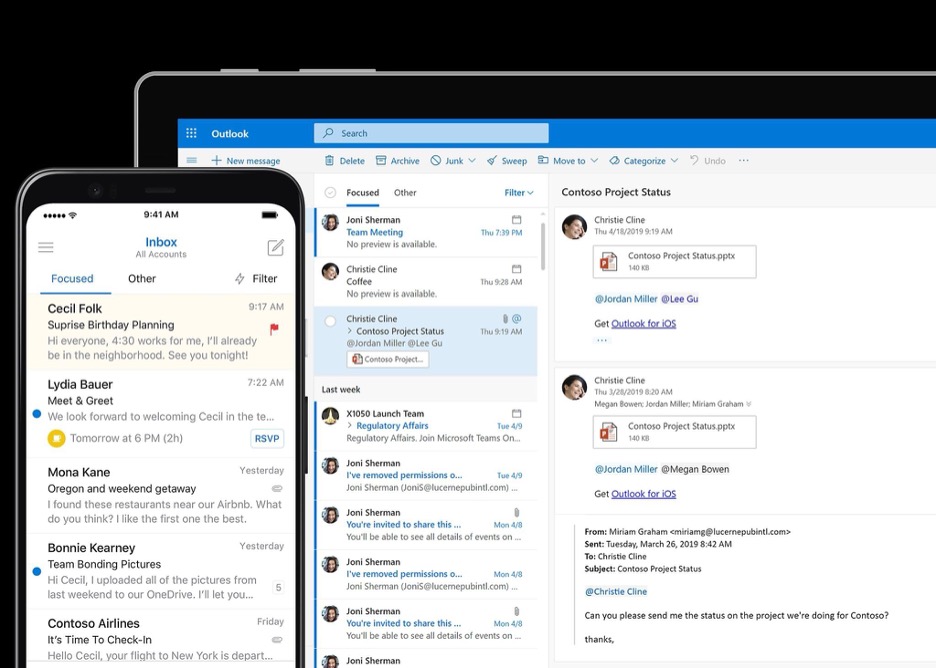
Historically, organizations sometimes added Exchange Online Plan 2 to a Microsoft 365 Business license when a user needed to move beyond the Business plan’s 50 GB primary mailbox.
With eligible Microsoft 365 Business licenses now supporting up to 100 GB, that combination may no longer be necessary when mailbox capacity was the reason for purchasing Exchange Online Plan 2.
This is especially important because Microsoft does not add the mailbox quotas from the two licenses together. A user with a 100 GB Microsoft 365 Business mailbox entitlement and Exchange Online Plan 2 does not receive a 200 GB primary mailbox. Microsoft applies the highest applicable quota, which remains 100 GB.
Removing an unnecessary Exchange Online Plan 2 license could save approximately:
- $9.40 per user/month on a monthly NCE commitment
- $8.60 per user/month on an annual NCE commitment
Before removing licenses, though, organizations should determine why Exchange Online Plan 2 was assigned in the first place. Plan 2 still provides capabilities that may be required in certain situations, including expanded archive mailbox capacity. It can also be relevant for certain shared mailbox, retention, hold, and compliance scenarios. The goal isn’t to eliminate every Exchange Online Plan 2 license. It’s to find users who are paying for it simply because they previously needed a 100 GB primary mailbox.
Start With a Microsoft 365 Licensing Review
Microsoft licensing tends to accumulate over time. A user gets an additional license to solve a particular problem, Microsoft’s licensing model changes, and that additional SKU remains assigned for years.
The new 100 GB mailbox entitlement is a good reason to review the environment.
Start by pulling mailbox utilization and license assignment data. Identify users with Office 365 E3 and determine what E3 capabilities they actually use. Then identify Microsoft 365 Business users who also have Exchange Online Plan 2 and determine whether they still require any Plan 2-specific features.
For many organizations, the result won’t be a wholesale licensing change. It may simply be 20, 50, or 100 users whose licensing can be adjusted, but those changes can add up quickly, especially when the savings recur every year.
SPK and Associates can help organizations review their existing Microsoft 365 environment, identify potential licensing overlap, and determine where licenses can be right-sized without removing capabilities users actually need. Contact our team today to learn more about how we can help with this audit and what you can do with these savings!