

Think about the day-to-day operations of your organization. How many tools do you utilize? Sales teams often work within Customer Relationship Management (CRM) platforms such as Microsoft Dynamics 365. Meanwhile, development teams operate in Application Lifecycle Management (ALM) tools like Jira, Rally, or Azure DevOps. Support teams may use service management platforms such as ServiceNow or Jira Service Management. Each of these tools serves a critical purpose, but they often operate in isolation. This results in fragmented visibility between sales, support, and engineering teams. Connecting CRM data with development and support workflows allows organizations to gain real-time visibility across teams. This enables faster issue resolution, improved collaboration, and a more aligned business strategy.
The Benefits of Integrating ALM and CRM Systems
Connecting CRM systems like Microsoft Dynamics 365 with ALM tools provides organizations with a unified view of customer issues, product development progress, and service performance. This integration helps break down communication barriers between teams that traditionally operate in separate environments.
Faster Customer Issue Resolution
When CRM and ALM systems are integrated, customer issues raised in Dynamics 365 can automatically propagate to engineering tools as defects, requirements, or development tasks. Development teams can resolve these issues without relying on manual communication from support teams. Once resolved, status updates sync automatically back to the CRM system, allowing support teams to communicate resolution details to customers immediately.
Full Context of Customer Priorities
Integrating CRM and development systems ensures that engineering teams have direct visibility into customer priorities, business value, and account importance. For example, if a sales team marks a customer issue as critical within Dynamics 365, that priority can be reflected in the development team’s workflow. This alignment ensures that engineering resources focus on the most impactful issues first.
Improved Decision Making
A unified data flow across CRM and ALM platforms enables organizations to make faster, more informed decisions. Leaders can analyze customer feedback, product defects, development progress, and support cases within a single connected ecosystem. This visibility helps organizations prioritize improvements, allocate resources effectively, and respond quickly to changing customer needs.
Enhanced Customer Experience
When sales, support, and development teams share the same information, communication with customers becomes far more consistent. Teams can provide accurate updates on product issues, proactively address customer concerns, and deliver a smoother overall customer experience.
Connecting Dynamics 365 with Your Toolchain Using OpsHub
All of these benefits sound great, but how do you connect these tools? OpsHub Integration Manager (OIM) provides an enterprise-grade integration platform that connects Microsoft Dynamics 365 with a wide range of ALM and service management tools. These integrations enable real-time, bidirectional synchronization between systems while preserving full data context.

Organizations can integrate Dynamics 365 with tools such as:
OIM ensures that business-critical data is synchronized automatically across systems so that each team can continue working within their preferred tools while maintaining complete visibility across the organization.

Real-Time Bi-Directional Synchronization
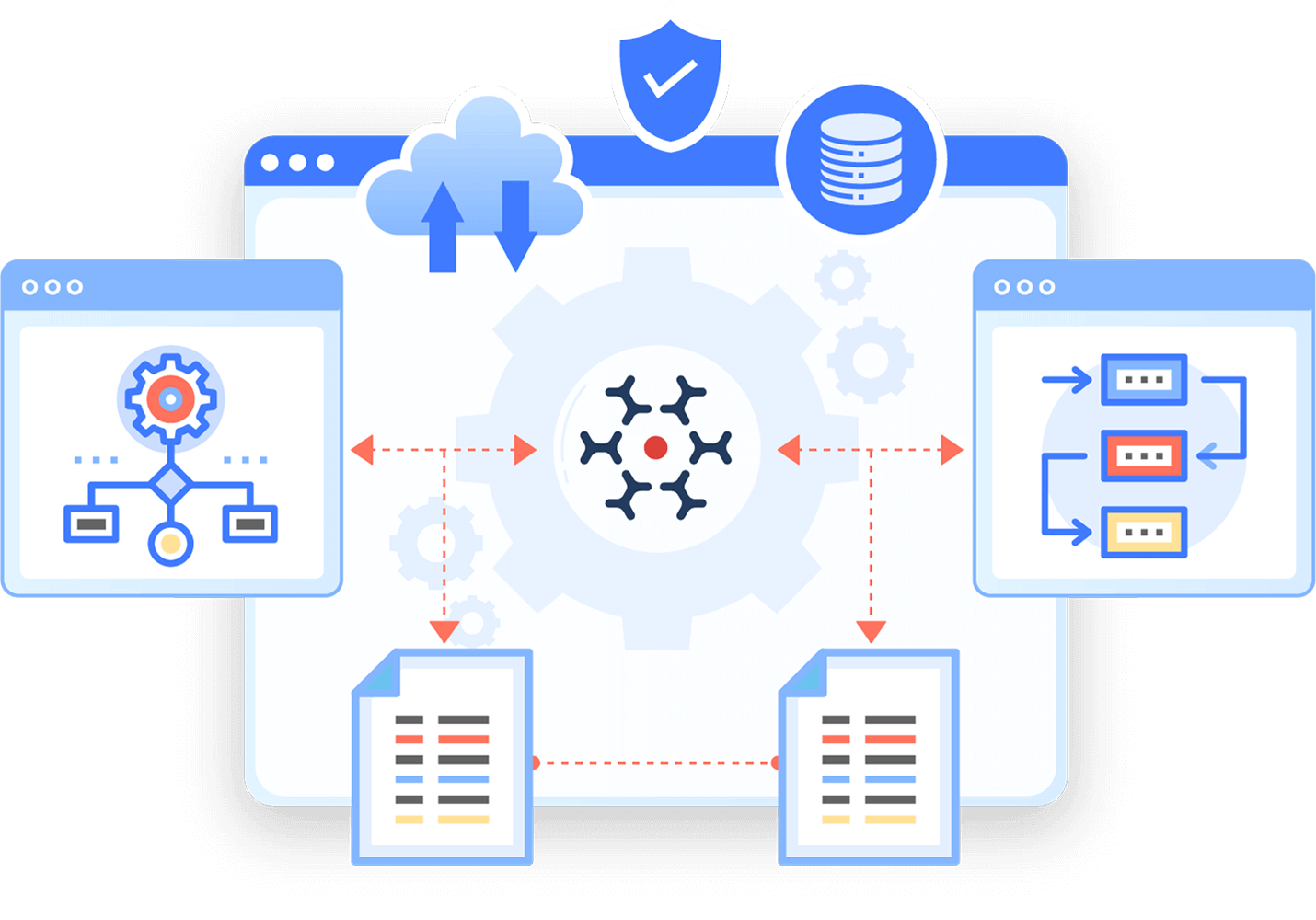
OpsHub supports real-time synchronization of entities such as requirements, defects, cases, tasks, incidents, and bugs. This means that updates made in one system are instantly reflected in the other. For example, a customer incident logged in Dynamics 365 can automatically create a development defect in Jira or Rally. When the development team resolves the defect, the update synchronizes back to Dynamics 365, closing the loop with the support team.

Full Context Data Sharing
OIM maintains the context of each issue across systems by synchronizing comments, attachments, links, mentions, and custom fields. This ensures that no information is lost as data flows between systems. Sales teams, support agents, and engineers all have access to the same information without needing to switch tools.
Flexible Integration Across Complex Environments
Many organizations operate complex toolchains across multiple departments. OpsHub Integration Manager supports integration across unlimited projects and systems while maintaining high performance and data accuracy. Its no-code or low-code configuration allows both technical and non-technical teams to configure integrations quickly.
Additionally, OIM includes features such as field-level conflict management, detailed logging, encryption, and role-based access control to ensure reliable and secure integrations at scale.
Breaking Down Tool Silos with OpsHub
Real-world organizations have already experienced the benefits of integrating their CRM and ALM ecosystems. Check out the following results:
A global healthcare technology company operating across Europe and the United States faced challenges managing a complex toolchain that included Codebeamer, Azure DevOps, Enterprise Architect, GitHub, GitLab, Aha, and Jira. Because these systems operated independently, the organization struggled to maintain visibility into development progress, generate compliance reports, and track changes across teams.
By implementing OpsHub Integration Manager, the organization established a unified digital thread across its engineering ecosystem. OIM enabled bi-directional data flow between Codebeamer and other systems, preserving metadata and ensuring that change tickets, requirements, and development updates remained synchronized.
As a result, the company achieved:
- Elimination of data silos between engineering, management, and cross-functional teams
- Automated generation of compliance reports with real-time updates
- Improved collaboration and faster decision-making
- Enhanced visibility into product development progress
This integration significantly reduced manual effort and improved productivity across the organization.
Integrating Microsoft Dynamics 365 with ALM/CRM Tools
When CRM, ALM, and service management tools operate in silos, teams struggle to share information and align business priorities with engineering work. Integrating Microsoft Dynamics 365 with your ALM and service management ecosystem creates a connected workflow that improves collaboration between sales, support, and development teams. Solutions like OpsHub Integration Manager make this possible by providing synchronization between platforms. If you are interested in eliminating data silos and ensuring customer needs remain at the center of product development and service delivery, contact us about OpsHub.