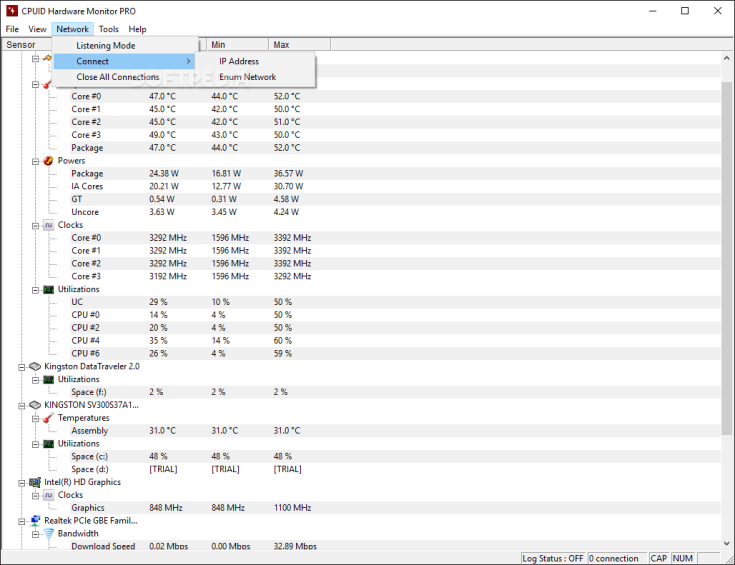

Some time ago, I wrote an article about CPUID’s wonderful tool, HWMonitor. Today I want to follow up on that and give a few tips on how to make it more useful. Firstly, HWMonitor is a free tool, but CPUID publishes a Professional version of the product, predictably named HWMonitor Pro.
I highly recommend the Pro version of this excellent tool.
The full license gives two very important functions: remote monitoring, and graphical logging. There are a few UI improvements as well, such as the ability to dock the sensors in the System Tray, rather than leaving the program running minimized in the taskbar. There are fancier monitoring programs, but if you are looking to remotely monitor temperature (and other metrics) of many stations on the cheap, this is a very good option.
Continue reading my complete guide on how to automate making HWMonitor Pro’s features work for you!
Josh Tuttle
Systems Integration Specialist
SPK and Associates